

Digital organisation, Microsoft 365 & AI Copilot training

Expert training in


Microsoft 365
AI Copilot

AI Agents
Digital Organisation
Internal Microsoft 365, AI and Copilot training delivered by external experts

Choose the workshops that meet your needs
Select the workshops that best fit your organisation. We tailor the content to your teams, business processes and Microsoft environment, then deliver practical training your people can apply immediately.
Keeping your people current
Microsoft 365, AI and Copilot continue to evolve. We help your teams understand what's changed, what's relevant and how to apply new capabilities in their daily work.
How training is delivered
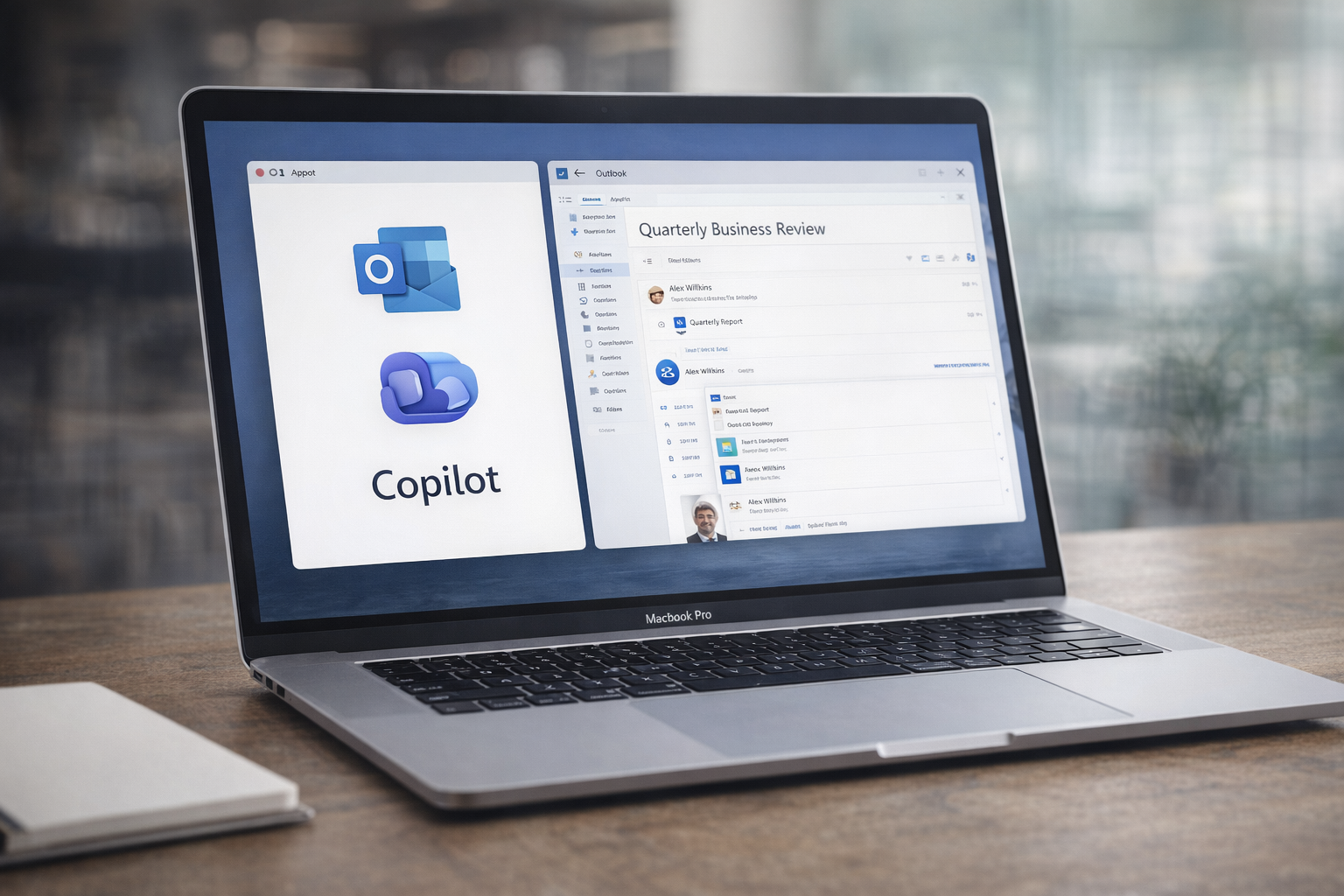
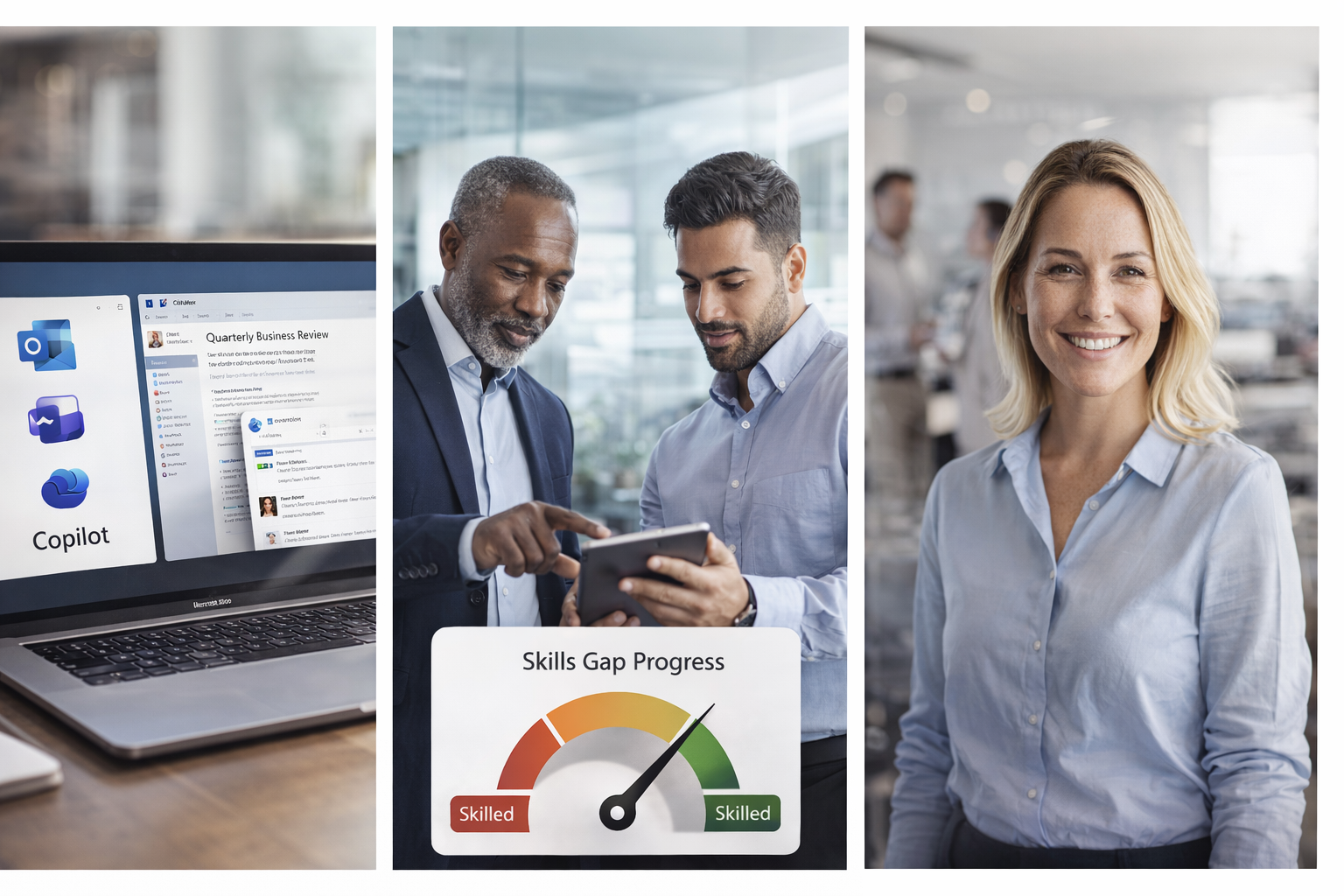
Microsoft 365, AI and Copilot change quickly. Most teams don't have the time to keep up or work out how to apply new tools in their day to day work. Training Lab provides practical Microsoft 365, AI and Copilot training tailored to your organisation, teams and business processes.
What your teams gain
Higher Microsoft 365 and Copilot adoption
More confident staff
Better productivity and digital organisation
Greater return on technology investment
Leaders
Managers
Corporate services
Frontline teams
Project teams
Technical teams
Who we train

We help you answer
What has changed?
What is relevant to us?
What should our people know?
How do they use it in their daily work?
What training do we need now?
Choose a single workshop, a recommended learning series or a complete capability program

Digitally enable and empower all your staff
-
Digital organisation and AI fundamentals
Best for building a consistent Microsoft 365 & Copilot baseline across all staff.
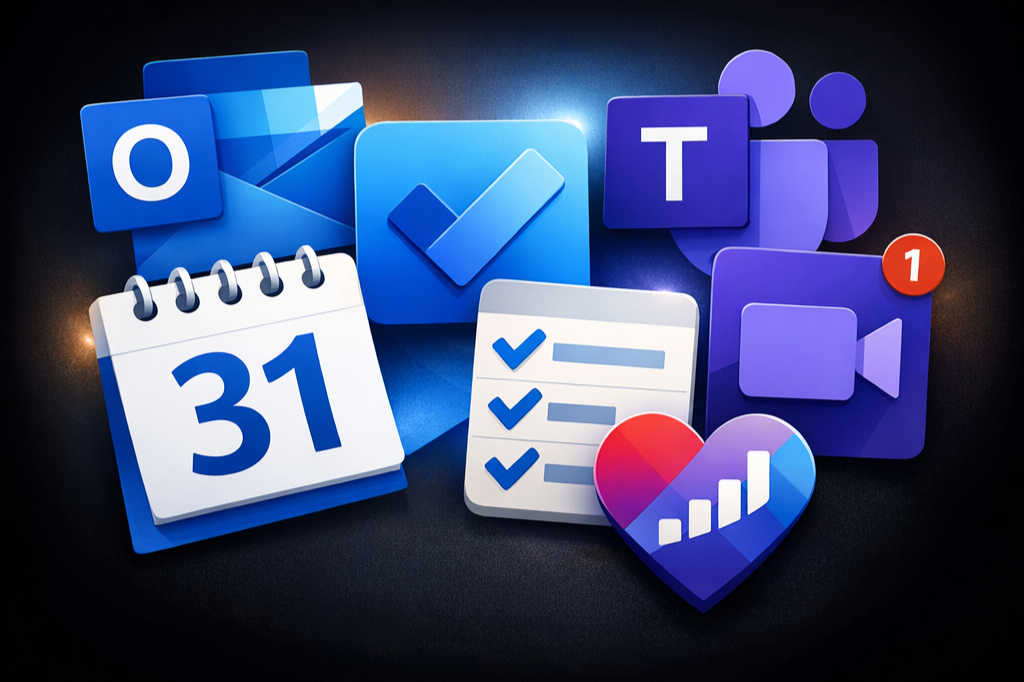
Manage email overload, present with impact, improve task management & master AI Copilot.
-
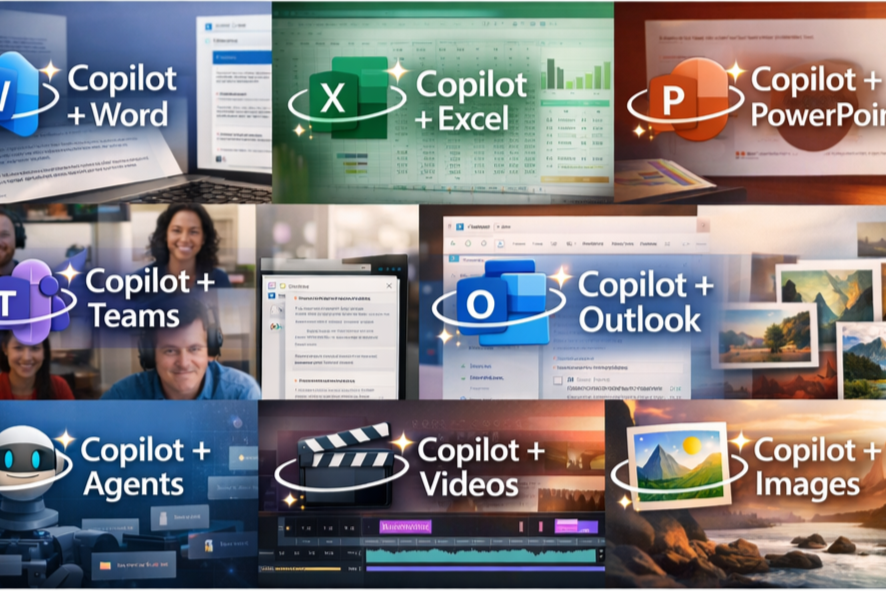
AI Copilot skills prompt to productivity
Best for supporting staff to move beyond prompts to real Copilot impact
Ensure your staff can use Copilot effectively across Word, PowerPoint, Excel, Teams and workflows.
-
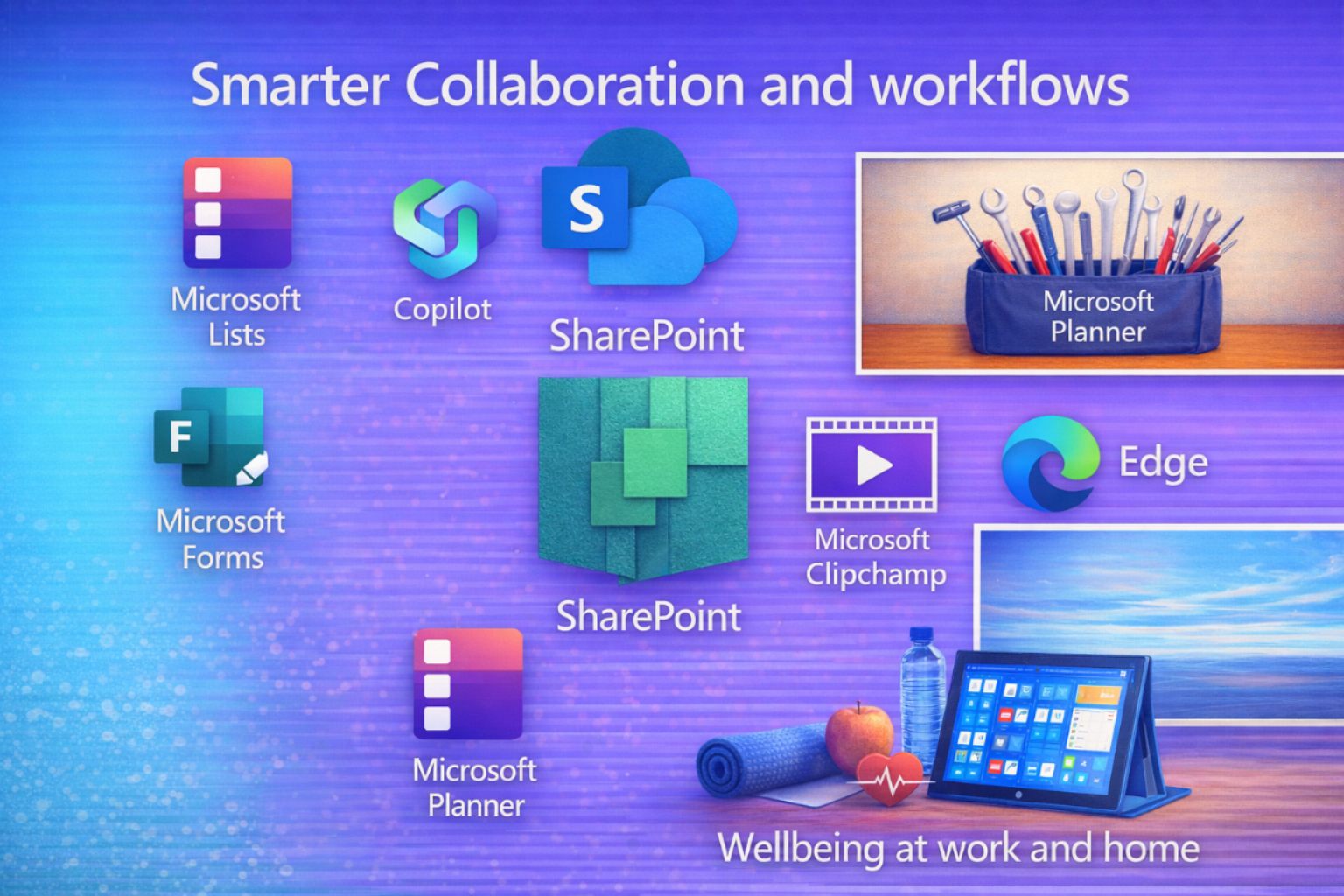
Smarter collaboration and workflows
Best for improving collaboration, governance and consistency.
Enhance transparency and organisation of shared tasks, projects, files, systems and workflows.
What is included
Why organisations choose Training Lab
🎓 Microsoft & digital capability specialist.
🔴 NSW preferred supplier (pre-qualified) supplier 664521.
📜 NSW Education Standards Authority certified.
🧠 20+ years experience in digital transformation.
👥 Focus is turning your digital time savings into real productivity gains.
🔒 Safe, compliant AI Copilot adoption.

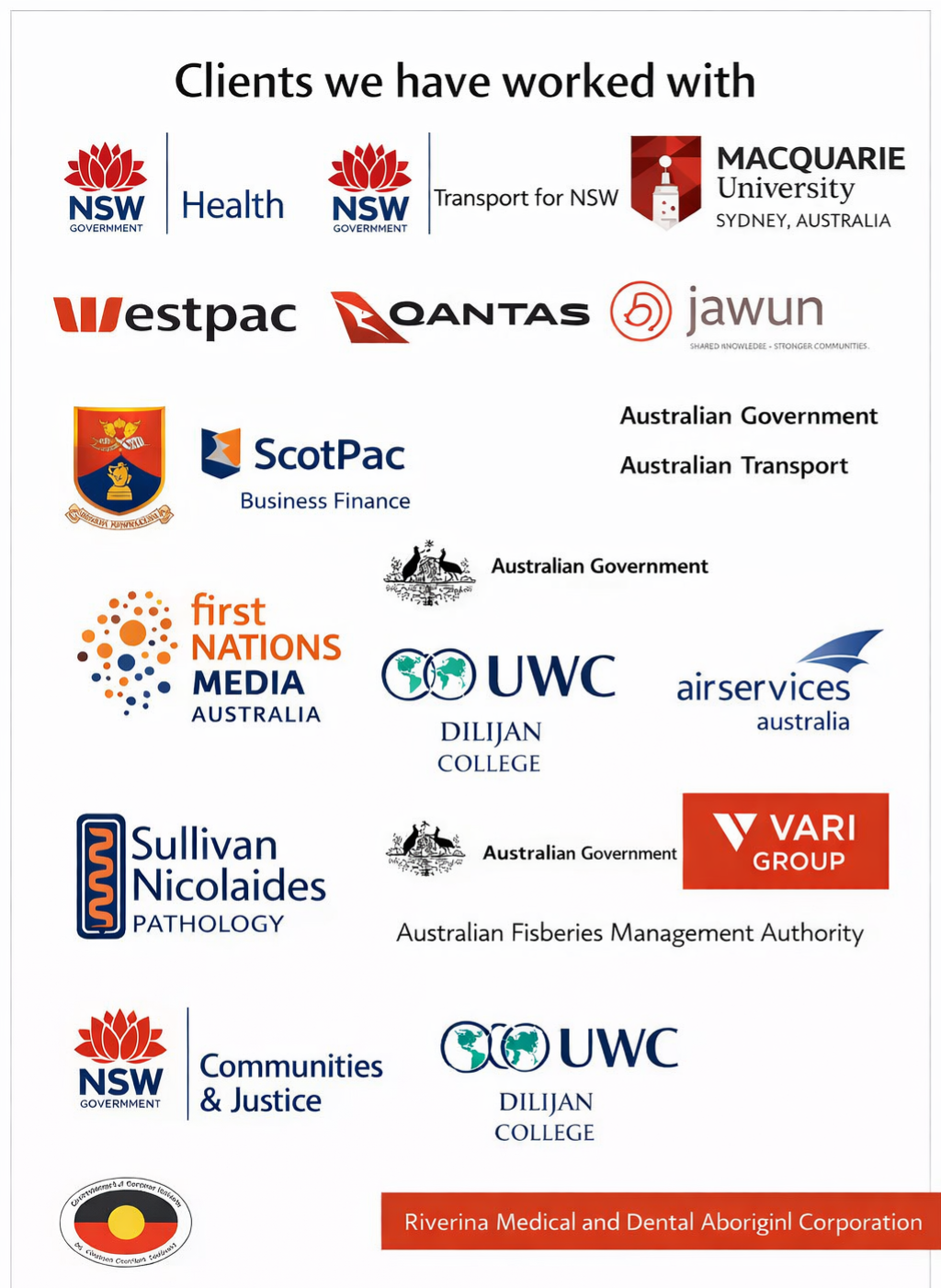
Clients and their feedback:
We are proud to have been selected to train and work with the following brands. Please view their feedback.
Training Lab is a Full Qualification applicant on the NSW government preferred supplier scheme.
(pre-qualified) by the Department of Finance Services and Innovation (DFSI) to provide Digital & Microsoft skills, leadership training & consultancy services to government agencies. No 664521
Help your staff work smarter, stay organised and keep up with change
Frequently Asked Questions
-
All staff levels including executives, frontline teams and support roles.
No technical background required.
Content is tailored to your organisation’s tools, policies and workflows.
-
Choose a single workshop, a full series, or the complete program.
Workshops can be delivered in any order.
Flexible delivery based on your organisation’s needs.
-
Live, instructor-led sessions with real examples.
Immediate application to daily work.
Ongoing behaviour change, not one off learning.
Designed to fix the gap where self learning is not effective.
-
Focus on verification, data protection and responsible AI use.
Aligns with your policies as well as Australian government compliance and governance expectations.
Ensures staff understand how to validate AI outputs before using them.
-
Not required to start.
Training is adapted to your current setup.
Full Copilot capability requires a Microsoft 365 Copilot licence.
-
Delivered as a partnered internal program
Training is designed for one organisation at a time, not public courses.Built to work with your internal champions
We collaborate with your leaders and key staff to embed capability across teams.Delivered using a live real environment
Sessions are run from the facilitator’s environment, with staff following along in your organisation’s Microsoft setup.No generic training systems
Staff learn in their work M365 system using their work computer, files and workflows.
This ensures skills are immediately applied, not lost after training.Designed for real work application
Every session focuses on practical tasks staff perform daily using Microsoft 365 and Copilot.
-
Learning happens in your environment, not a simulated one.
Training aligns to your systems, policies and real work.
Capability is built internally, not outsourced or temporary.
-
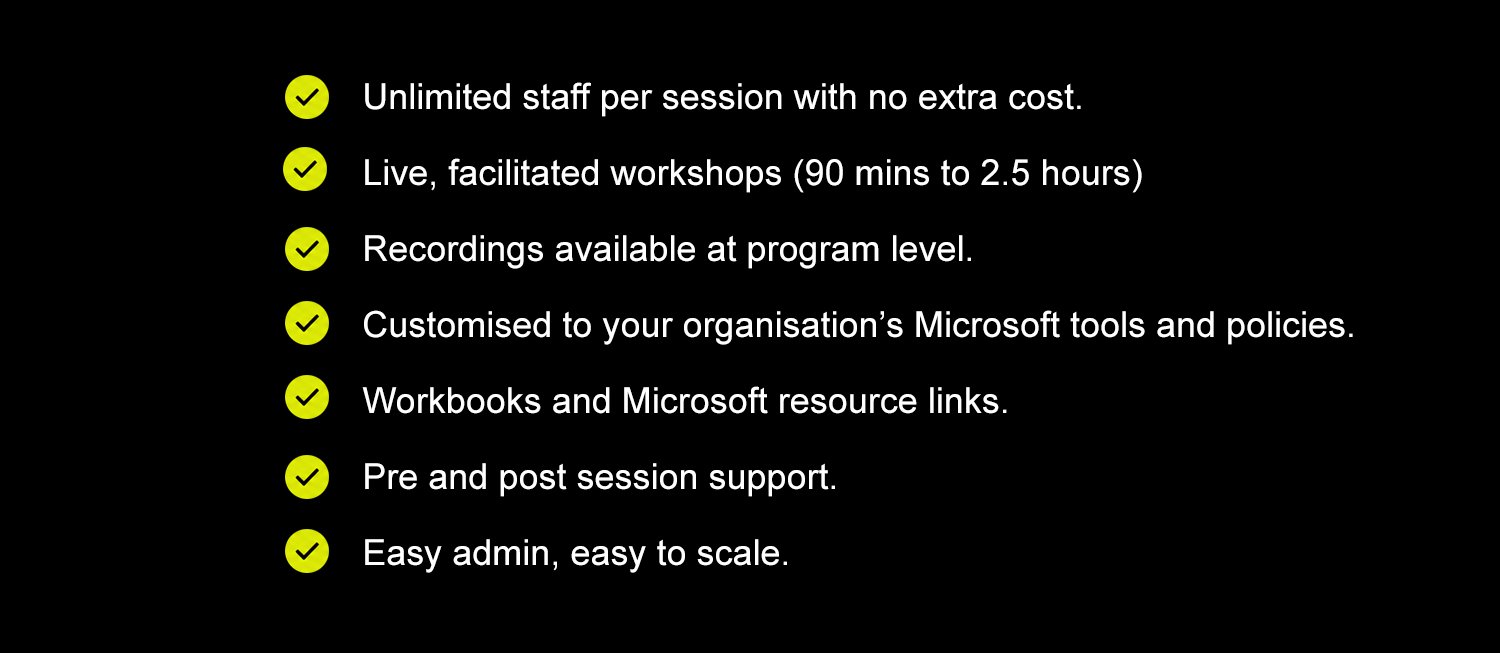
90 minutes to 2 hours per session.
Delivered over several weeks to build skills gradually.
Includes pre and post support for questions and technical help.
-
Unlimited staff per session.
No additional cost as numbers grow.
Designed to scale across whole organisations.
-
Improved productivity and reduced manual work.
Better collaboration and reduced duplication.
Consistent use of Microsoft tools across teams.
Safer and more effective AI adoption.
-
Yes, when booked as a program.
Recordings can be reused for onboarding, refreshers and for staff who missed the live session.
Extends value beyond the live sessions
-
Yes, content is tailored to your organisation.
Includes your policies, workflows and real scenarios.
Aligned to your Microsoft environment and tools.
-
Engagement tracking and participation insights.
Feedback and adoption measures.
Practical outcomes observed in day to day work.
-
Significant time savings
Government trials show staff can save up to 1 hour per day, equating to ~240 hours per year per staff member.Strong financial return
Based on ~$80 per hour, this is approximately $19,200 value per staff member per year.Organisation wide impact
For large teams, this scales to millions in recovered productivity, redirecting time to higher-value work.Reduced risk and rework
Staff learn to validate AI outputs, improving accuracy and protecting organisational data.Long term behaviour change
Structured sessions over weeks increase adoption, reduce duplication, and improve consistency across teams.
-
Fixed pricing based on workshop series packages, not per person.
Train unlimited staff at no additional cost, with value increasing as participation grows.
Designed for organisation wide capability uplift, not one off sessions.
-
All pricing is clearly outlined in the Training Lab brochure and proposal.
Includes full program costs, workshop options and inclusions.
Download the brochure for pricing and program details.
-
Start with a conversation
We discuss your organisation, priorities and current challenges.Review your Microsoft environment
Includes Outlook version, Microsoft 365 setup and Copilot licensing.Identify focus areas
Tailored to executive priorities, team pain points and workflows.Choose your approach
Start with one workshop or roll out a full structured series.